TikTok Commercial Sounds: Why Your Business Account Cannot Use That Song
Why a business account only shows Commercial Sounds, and the four things you can put behind a post instead.
By the Next5 team · · 9 min read
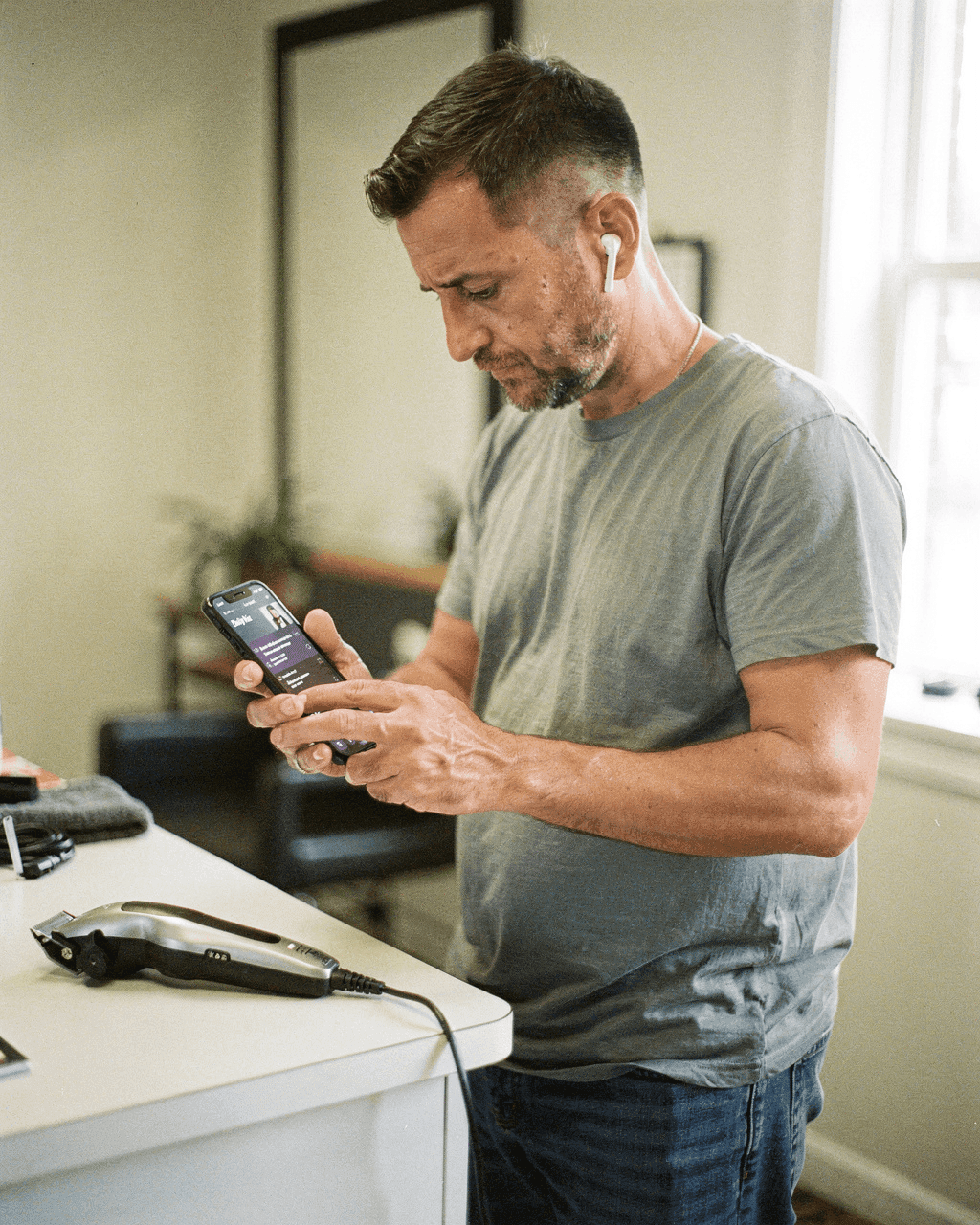
You filmed the clip, you found the sound every other video in your town is using, and it is not in your list. Nothing is broken. TikTok shows a business account a different music catalog, and the reason is licensing, not a setting you missed.
What a business account actually sees
TikTok's help center is direct about it: with a Business Account, when you start a new video and tap Add Sound, you will only see sounds from the Commercial Music Library, which TikTok labels "Commercial Sounds". Every track in there carries commercial usage rights, which is the whole point of the list.
TikTok describes that library as 1 million pre-cleared songs, free for businesses, from independent and emerging artists up to top-tier music houses. You can use them on organic posts (including a duet, react or stitch), on video ads and on branded content. What you will not find is the chart song, because the general Sounds catalog is licensed for personal, non-commercial use.
Switching back to a personal account is not the loophole
This is the part most advice skips. The restriction follows what you are doing, not the badge on your profile. TikTok's Music Terms of Service for the US say music should only be used for personal, non-commercial purposes unless it comes from Commercial Sounds, and spell out that you "shouldn't use a music recording from Sounds for any commercial purpose–including associating the music with, or promoting, a brand or business–unless you have obtained the necessary rights". Their definition of a commercial purpose includes to sponsor, promote, co-brand or advertise.
So a post about your shop is a commercial use whether you post it from a business account, a creator account or the personal account you made in 2021. Switching account type does not change the license on the song.
Spend the energy on what you can measure instead. Pick the sound once, then watch what the posts do over a month, the way the guide to reading your analytics sets out.
Find a track in the Commercial Music Library without scrolling for an hour
The in-app list is a wall of unknown song names. Sort it out once, on a laptop, and you are done for months.
Browse it on a laptop first
The Commercial Music Library sits in TikTok's Creative Center under Creative Tools, where you can play tracks on a real screen instead of a phone speaker between clients.
Start in All music, not search
The All music tab has Top Music, the library ranked by popularity. That ranking is the closest thing you get to "what is working right now" inside a catalog you are allowed to use.
Cut it down with the filters
You can filter by region, app placements, theme, genre, mood and duration. Set your region, pick a mood that matches your trade, and set duration near the length you actually post.
Shortlist 5 and reuse them
Keep 5 track names in your notes app: two upbeat, two calm, one for your recurring format. A repeated sound makes your posts easier to recognize in the feed.
The four things you can put behind a business post
| Option | What it means | Watch out for |
|---|---|---|
| Commercial Sounds | Pick from the Commercial Music Library under Add sound | TikTok's terms allow these inside TikTok only. Reposting that same cut to another platform is not covered |
| Your own recorded sound | The clippers, the espresso machine, the drill, the dog shaking off water, recorded in the clip itself | Shoot somewhere quiet enough that it carries |
| A voiceover | Record your voice over a photo slideshow in the TikTok editor | Write the first line before you record it, or you will ramble for 4 seconds |
| Music you licensed yourself | Edit the track in, upload the finished file, and complete TikTok's Music Usage Confirmation | That confirmation asks you to state you have obtained and paid for all necessary licenses, compositions and master recordings included. Only accept it if that is true |
One more line from TikTok's help page: if you use original sound from another user, TikTok tells businesses to consult their legal team to make sure a proper license exists. "Someone else used it first" is not a license.
You can still ride the trend. Drop the audio
Copy the structure instead of the song: the cut on the beat, the text that appears, the turn at the end, the thing the camera reveals. Attach a Commercial Sound with a similar tempo.
Three ways that plays out in a real shop:
- Trend is a before and after reveal? Film the same reveal on your own work and cut at the same moment. The haircut or the unclogged drain carries it.
- Trend is a list with text on screen? Keep the list format, write your own 5 lines, and let your voice be the audio. The 40 hooks you can copy are built for that first line.
- Trend is a dance or an audio joke you cannot separate from the song? Skip it. It was never your post to make.
Spend your time on the first 2 seconds before you spend it on the track.
Photo slideshows follow the same rule
If you post photo carousels, and most local businesses should because the photos already exist, the sound step is part of the same flow. Go to the Record Video page, press Upload, toggle from Videos to Image, select your photos, and after Next you can add filters, voiceover, sounds and text. The rule above still applies to whatever you add: promoting your business is a commercial use.
The voiceover option is the useful one here. Six photos of a job, 15 seconds of you explaining what went wrong and what it cost, and the post needs no music at all. The step-by-step for TikTok slideshows covers the rest of the flow, and there are more formats that never show your face in the faceless post ideas. Sellers have a harder version of the same problem: TikTok only lets you attach a product link to a video that uses Commercial Music Library audio, which the faceless TikTok Shop guide goes through.
What happens if you use a song you are not cleared for
TikTok states it plainly in the same music terms: it may remove or mute your video if it has reason to believe your use of music is unauthorized, and its audio recognition system may detect unauthorized uses, after which your content may be muted. You can appeal if you do hold the rights or your use is permitted by law.
A muted post is the quiet failure. It stays up, it looks fine on your profile, and the sound you planned the cuts around is gone.
Common mistakes
- Posting silent because the trending sound was missing. A Commercial Sound takes 30 seconds to add once you have a shortlist.
- Switching account type to get the song. The license problem follows the post anyway.
- Downloading a Commercial Sound to use in another edit. The terms do not let you distribute the sounds separately from the videos.
- Reposting a TikTok that uses a Commercial Sound to another platform. That license covers TikTok, not everywhere you post.
- Treating the sound as the job. Keep the posting steady with a 30-day content calendar and put the time into the subject of the clip.
Sources
- TikTok Ads Help: How to use the Commercial Music Library
- TikTok Ads Help: About the Commercial Music Library
- TikTok for Business: Explore royalty-free music in the Commercial Music Library
- TikTok legal: Commercial Music Library user terms
- TikTok legal: Music Terms of Service, US
- TikTok legal: Music Usage Confirmation
- TikTok Newsroom: Photos on TikTok tutorial
Questions
Why can I only use commercial sounds on TikTok?
Because your account is a Business Account. TikTok's help center says that when a Business Account taps Add Sound, it only sees sounds from the Commercial Music Library. Those tracks are pre-cleared for commercial use, and TikTok's US music terms say music from the general Sounds catalog is for personal, non-commercial purposes.
Can a TikTok business account use trending sounds?
Only the ones inside the Commercial Music Library. Open the All music tab and look at Top Music, which ranks that library by popularity. Original sound from another user is different: TikTok tells businesses to check with their legal team that a proper license exists.
Should I switch to a personal or creator account to get the music?
It will not solve the problem. TikTok's US music terms say music from Sounds is for personal, non-commercial purposes, and that you should not use it to promote a brand or business without the necessary rights. Their definition of a commercial purpose includes to sponsor, promote, co-brand or advertise, so a post about your shop is a commercial use on any account type.
How many songs are in the TikTok Commercial Music Library?
TikTok describes it as a pre-cleared global library of 1 million songs, free for businesses to use, from independent and emerging artists through to top-tier music houses.
Can I use my own licensed music on a TikTok business account?
Yes, if you really hold the license. Edit the track in elsewhere, upload the finished file, and complete TikTok's Music Usage Confirmation. It asks you to confirm either that there is no copyright protected music, or that you have obtained and paid for all necessary licenses, composition and master recording included. If you cannot confirm that, do not accept it.
Can I use commercial sounds on a TikTok photo slideshow?
Yes. Upload your photos through the Record Video page by toggling from Videos to Image, and after Next you can add sounds, a voiceover, filters and text. Commercial Sounds are cleared for organic posts, and the commercial-use rule applies to a slideshow exactly as it does to a video.
What happens if I use a song I am not allowed to use?
TikTok says it may remove or mute the video if it has reason to believe the use is unauthorized, and that its audio recognition system may detect unauthorized uses and mute your content. You can appeal if you hold the rights or your use is permitted by law.
Skip the work. Get the posts.
Give us your website. We make a week of posts for your business, ready to post.
Free to start. No subscription.